The Ultimate Guide: What to Do If Your Dog Barks During a Remote Interview
ResumizeAI
Imagine the perfect remote interview—then your dog barks. Panic? Not needed. This guide walks you through practical, proven steps to prevent, manage, and recover if your dog barks during a remote interview. You'll get pre-interview prep, live mitigation tactics, recovery scripts, and follow-up strategies to protect your candidacy. Whether you're a first-time remote interviewer or a busy pro, these actionable tips will help you stay calm, professional, and in control when the unexpected happens.
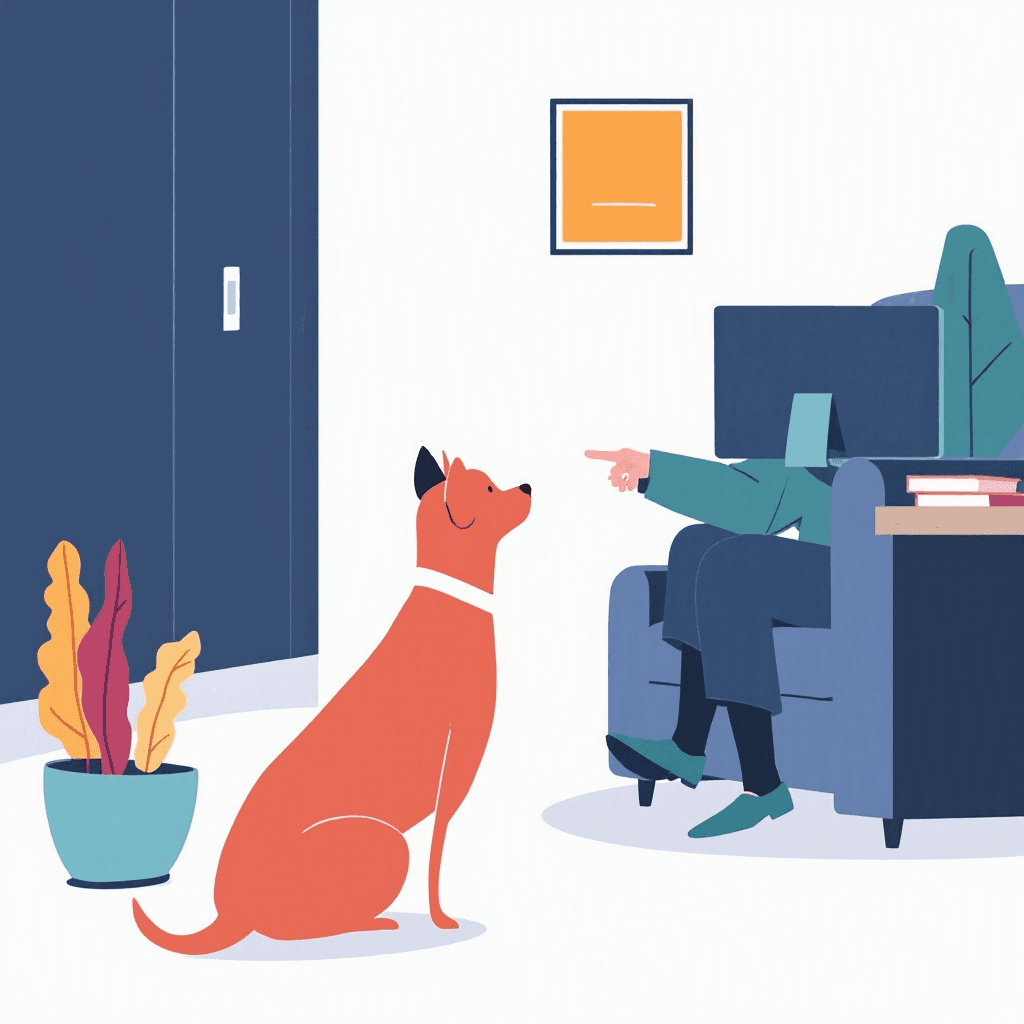
You’re ten minutes into a high-stakes remote interview when the unexpected happens: your dog erupts in a series of loud barks. According to recent surveys, 70% of hiring managers have noticed background noise in video interviews, and many say it affects first impressions. If your dog barks during a remote interview, you don’t have to watch your chances slip away. This guide turns a potential disaster into a manageable hiccup.
You’ll learn strategic prevention steps to implement before your call, immediate actions to take in the moment, recovery language to use after the interruption, and follow-up techniques to restore rapport and credibility. Read on to discover proven scripts, real-world examples, and step-by-step checklists so you can handle this common remote-interview pitfall with confidence and professionalism.
Three things every remote interview tests before the questions start.
Tick anything you have not sorted out yet.
Ticked nothing? You are prepared. The checklist is still worth having open during the call.
Free to browse · No account needed
Prepare Before the Call: Prevent Your Dog from Barking During a Remote Interview
Prevention works best. If you want to avoid the scenario where your dog barks during a remote interview, plan ahead with these proven steps. Set the stage at least 30–60 minutes before your interview.
Create a quiet environment
- Choose a quiet room with a door you can close. Rooms farther from street noise and household activity reduce risk.
- Put your dog in a familiar, comfortable spot: bed, crate, or a designated ‘quiet zone.’ Use a favorite toy or long-lasting treat (like a stuffed KONG) to keep them occupied.
Exercise and timing
- Give your dog a 20–30 minute walk or vigorous play session 60 minutes before the interview. A tired dog barks less.
- Time your interview around their usual nap schedule when possible.
Use prep tools
- Arrange for a friend, partner, or dog walker to supervise your dog during the call if you can. This simple solution prevents 80% of unexpected interruptions.
- Put your phone in Do Not Disturb and close unnecessary apps—the fewer distractions the better.
Example: Sarah, a project manager, scheduled a 45-minute play session and crate time 40 minutes before an interview. Her dog slept through the call and she received praise for her composure.
Action items: Make a checklist: room + crate/toy + exercise + backup human. Doing these four things reduces the chance your dog barks during a remote interview dramatically.
Immediate Actions If Your Dog Barks During a Remote Interview
Even with prep, dogs are dogs. If your dog barks during a remote interview, act quickly and calmly to contain the situation.
Step-by-step live mitigation
- 1Mute instantly: Learn your platform’s mute hotkey (spacebar on many apps works as push-to-talk). Mute within 1–3 seconds to stop the noise for the interviewer.
- 2Apologize briefly: Unmute, smile, and say a concise apology like, “I’m so sorry—my dog just barked. I’ll mute and take care of it.” Keep it under 10 seconds.
- 3Remove the dog: If possible, step out of frame and bring your dog to another room or outside for a quick 2–3 minute break.
- 4Rejoin and refocus: Return with a one-line reset: “Thanks for your patience. As I was saying…” and resume the conversation.
What if the barking continues?
- Offer to move to audio-only for a few minutes if the noise persists, or suggest rescheduling: “Would you like to pause for a couple minutes, or shall we find another time?”
- Use a headset with noise-canceling microphone to reduce residual background noise.
Real-world scenario: Marcus’ Labrador barked repeatedly during a technical interview. He muted, apologized, stepped out, and returned in 90 seconds. The interviewer appreciated his calm and he completed the interview successfully.
Tip: Practice muting/unmuting and camera off to make this a reflex—it reduces fluster and keeps you in control.
Interviews start with an application
New remote roles land on the board daily. Browsing takes no account, and the weekly email keeps the next one coming.
New remote roles, in your inbox every Monday
- Roles from named companies, with their source
- New postings only, never a repeat
- One click to stop
Alerts ship shortly. Sign up now and you are on the first send.
Recovery Scripts: What to Say After Your Dog Interrupts a Remote Interview
Your words after the interruption matter. Use concise, confident language that acknowledges the disruption without over-apologizing.
Short, neutral recovery scripts
- Quick apology and pivot: “I’m sorry about that—thank you for your patience. As I was saying…”
- If they react kindly: “Thanks so much. I appreciate your understanding—shall I finish that thought?”
- If you need to reschedule: “I want to give my full attention to this conversation. Would you prefer to continue now or reschedule for later?”
When to add context
- If you’ve already discussed a lot and the interruption was brief, keep it short. Over-explaining can draw more attention to the incident.
- If the interruption affected your ability to answer, briefly state: “I can repeat that answer in full if you’d like—I want to make sure I was clear.”
Example scripts for different tones
- Formal: “Apologies for the interruption. Thank you for your patience—may I continue?”
- Friendly: “Oh no—sorry about that! He’s usually quiet. I appreciate your patience—back to the question.”
Action: Save these scripts in your phone notes or on a printed cheat sheet so you can access them quickly under stress.
Rescheduling and Follow-Up: Repairing Any Impression After a Barking Incident
If the barking incident seriously interrupted the flow or your answers, a professional follow-up can restore confidence and control the narrative.
When to offer rescheduling
- If the interruption lasted more than 2–3 minutes or you were unable to complete critical answers, offer to reschedule.
- Use this language: “I want to ensure I gave thoughtful answers. If you prefer, I’m happy to reschedule for a quieter time.”
Follow-up email template (concise and strategic)
- Subject line: Quick follow-up — [Your Name]
- Body: Thank them for their time, briefly acknowledge the interruption without dwelling on it, restate one or two high-impact qualifications, and offer to answer any outstanding questions.
Example follow-up:
“Thank you again for today’s conversation and your patience during the unexpected interruption. I wanted to reaffirm my interest in the role—my experience leading X project resulted in Y outcome—and I’m happy to clarify any answers from our conversation.”
Use a value-add approach
- Attach a one-page portfolio, a 2–3 bullet summary of your top accomplishments, or a short video clarifying a technical answer if relevant. This shifts focus from the interruption to your professional strengths.
Case study: After a barking interruption, Lena sent a crisp follow-up email that highlighted a key metric she’d discussed. The hiring manager later said the follow-up reassured them of her attention to detail and she moved to the next round.
Tech and Setup Tips to Reduce Barking Noise in Future Remote Interviews
Technical fixes lower the chance that background noise like a dog barking ruins an interview. Implement these proven setup tips.
Audio and noise control tools
- Use a directional microphone or headset with a noise-canceling mic to reduce background sounds by up to 70%.
- Enable background noise suppression on your platform: Zoom, Teams, and Google Meet have noise suppression settings—set them to high for interviews.
- If available, use software like Krisp or RTX Voice that filters out ambient noise in real time.
Camera and environment setup
- Position your computer so doors or windows are behind your interviewer’s view—this reduces distracting movement and potential bark sources.
- Close windows and pause household appliances during calls.
Practice runs
- Do a 5–10 minute mock call with a friend to test audio suppression and muting reflexes. Time yourself to ensure you can mute within two seconds of sudden noise.
Example: Using Krisp plus a wired headset reduced background interruptions for a candidate who lives near a barking neighborhood, helping them pass the interview without noise complaints.
Action steps: Invest in a decent headset (~$50–$150), enable platform noise suppression, and run a test call 15 minutes before your interview.
Mindset and Communication: Keep Composure When Your Dog Barks During a Remote Interview
How you react shapes the interviewer’s impression more than the barking itself. Stay calm, take accountability, and use the moment to show professionalism.
Mindset resets
- Normalize it: Remote interviews come with quirks; 60–80% of interviewers report encountering household interruptions. Expecting it reduces stress.
- Breathe: A five-second breath before you speak refocuses your voice and helps you project confidence.
Communication techniques
- Keep apologies brief and factual—avoid self-deprecating humor that undermines your credibility.
- Use a bridging phrase to return to content: “Thanks—back to the question about X.”
Re-frame the moment
- If the interviewer laughs or empathizes, you can lightly acknowledge: “He’s doing his best to keep me humble today.” Then pivot back to value: “I’d love to share how I handled [relevant challenge]…”
Case example: After a barking interruption and a calm recovery, one candidate turned the moment into rapport by briefly sharing a one-line anecdote about remote-work challenges, which the hiring manager referenced favorably later.
Action: Practice a short, composed apology and a one-line pivot for returning to content. This will feel natural under pressure and keep the interview on track.
Key Takeaways
- 1Prepare at least 30–60 minutes before your interview: exercise your dog, set up a quiet zone, and line up a backup caregiver.
- 2Learn to mute instantly (practice hotkeys) and use a brief apology script to regain control within 10 seconds if your dog barks during a remote interview.
- 3Offer to reschedule only when the interruption prevented you from delivering key answers; otherwise, follow up with a concise, value-focused email.
- 4Use tech: noise-canceling headsets, platform noise suppression, and apps like Krisp to reduce the impact of background barking.
- 5Keep your reaction calm and professional—brief apology, quick pivot back to content, and a confident tone preserve your credibility.
- 6Have recovery scripts and a follow-up template saved so you can respond quickly and turn an interruption into an opportunity.
- 7Practice mock calls and test your setup to make handling a barking dog a reflex, not a crisis.
Conclusion
If your dog barks during a remote interview, stay calm, act fast, and use the moment to demonstrate composure and professionalism. You’ve learned tactical prevention steps, live mitigation moves, recovery scripts, tech setup tips, and follow-up strategies that will keep your candidacy intact. Want to strengthen your overall remote-interview narrative and resume alongside these interview skills?
Visit Resumize.ai to refine your resume and align your story to remote roles—Resumize.ai helps you present your best professional self before and after the interview. Take action now: prepare your environment, save your scripts, and let Resumize.ai help you land the role.
Frequently Asked Questions
Related Articles

The Ultimate Guide to Video Interview Mistakes (and How to Fix Them)
Nervous about video interviews? You're not alone. Remote interviews are now the norm, and small mistakes can cost big opportunities. This guide pinpoints the top video interview mistakes—like poor lighting, bad audio, weak answers, and tech failures—and gives proven, step-by-step fixes you can use today. You'll see before/after examples, quick-prep checklists, and real candidate case studies to help you transform your performance and increase interview success. Ready to turn your next video interview into an offer? Read on.

The Ultimate Guide: How to Answer ‘Why Do You Want to Work Remotely?’
Stuck on how to answer “Why do you want to work remotely?” You’re not alone. Hiring managers ask this to test fit, motivation, and reliability. In this guide you’ll get proven, strategic answers, real-world examples, and quick scripts you can personalize. Learn how to show you’re productive, aligned with company goals, and a culture fit—without sounding rehearsed. By the end, you’ll have 6 ready-to-use responses, a framework to craft your own, and tips to turn a potential red flag into a standout advantage.

The Ultimate Signs Your Remote Interview Went Well (Proven Tips)
Worried you said the right things but don’t know if the interviewer felt the same? You’re not alone. Remote interviews make it harder to read signals, leaving job seekers anxious after every call. This guide reveals the proven signs your remote interview went well—what to look for, concrete examples, and exact next steps. You’ll learn how to interpret verbal cues, post-interview behavior, and follow-up strategies that improve your odds. Plus, discover how tools like Resumize.ai can sharpen your resume and follow-up messages so you convert strong interviews into offers.
Ready to Build Your Perfect Resume?
Put these insights into action with our AI-powered resume builder
Build my resume freeFree to start · No card · 5 credits the moment you sign up